Bring in your past orders from Google Sheets
Upload a CSV or paste your sheet link; check the columns; import.
In short
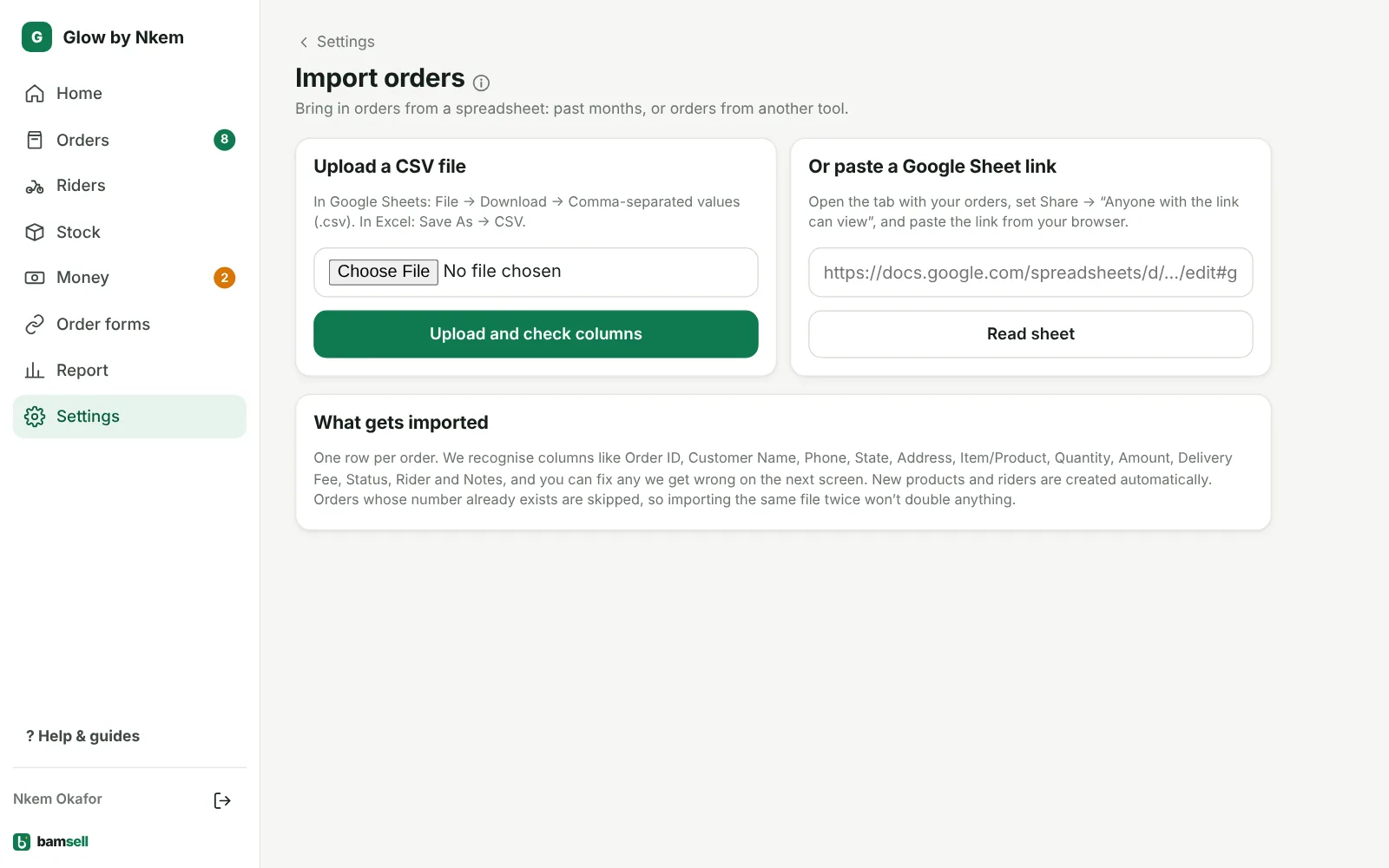
- Settings → Import orders (top of the page).
- Upload a CSV, or paste a Google Sheet link (shared as “Anyone with the link”).
- Check each column match, then import.
-
1Open Import
Go to Settings and tap Import orders at the top. Upload a CSV file, or paste a Google Sheet link. For a link, set sharing to Anyone with the link can view first.
-
2Check the columns
Bamsell guesses which column is the customer, phone, state, product, amount, status and rider. Fix any that are wrong, look at the preview and tap Import … orders.
In Bamsell -
3Safe to repeat
Orders with the same Order ID are skipped, so you can import again after adding rows. Riders and products that don’t exist yet are created.