Put your order form on your website
Use the link, paste the form into WordPress/Elementor, or send orders from the form you already have.
- Easiest: copy the form link and use it in ads and on WhatsApp.
- On WordPress/Elementor: paste the form code into a “Custom HTML” block.
- Own design? Open the form → Keep your own design: copy the address and the hidden “form” field into your form.
-
1Option 1 – use the link
On Order forms, tap Copy next to a form. Use that link as your ad’s website, in your Instagram bio or on WhatsApp status. It works on any phone.
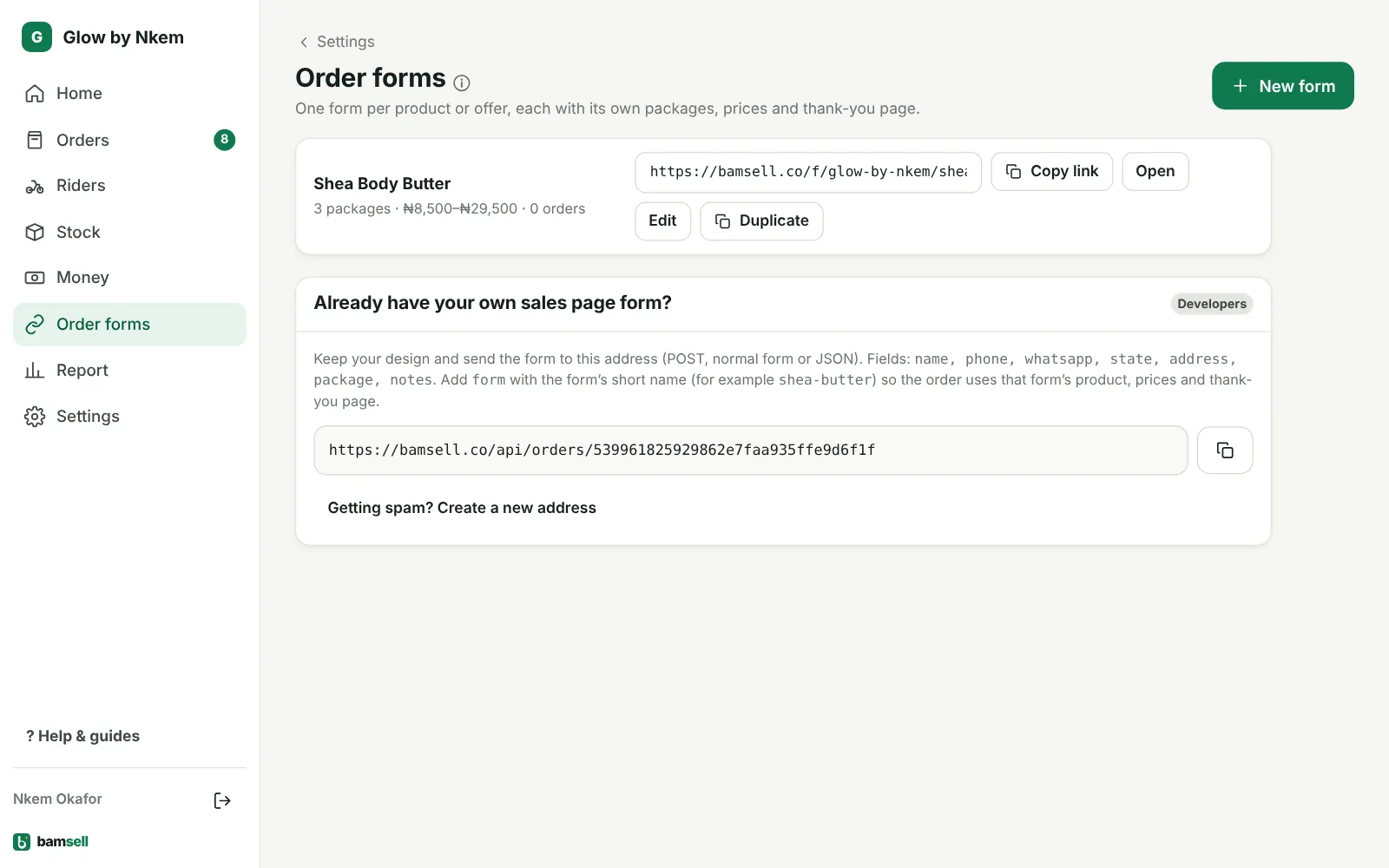
In Bamsell -
2Option 2 – put the form inside your page
Open the form and copy the code under Code for your sales page. In WordPress add a Custom HTML block (Elementor: the HTML widget) where the form should appear and paste the code. Publish.
-
3Option 3 – keep your own design
Open the form and copy Keep your own design (under Use this form). On your form: set
actionto that address withmethod="POST", add the hidden field<input type="hidden" name="form" value="your-form-name">, and name your fields name, phone, whatsapp, state, address, package. The hidden form field links each order to the right product, so stock goes down and profit is counted. Prices come from your form setup, so nobody can change them in the browser. After ordering, customers land on the form’s thank-you page with the order number and value for your Pixel. -
4Check it works
Place a test order yourself. It should appear under Orders → New within seconds, and if WhatsApp is linked you’ll receive the Confirm order message.